
Ebooks for Learning Automation Without Coding
Seven practical ebooks for mapping repeatable work, connecting cloud apps, building Microsoft workflows, applying no-code AI, and creating operational systems without traditional programming. Book 01 is the strongest all-round foundation; the remaining selections cover Zapier, Power Automate, AutoML, AppSheet, Bubble, and RPA.
Go directly to the numbered list7 best ebooks for learning automation without coding
Begin with Book 01 for the strongest all-round foundation, or follow the numbered sequence until you reach the automation system or tool you need.
of 07
Ebook and print editions available
Automate Your Busywork
This is the strongest overall starting point because it begins with the work—not a particular app. Tank argues that people should identify repetitive, rules-based work, simplify it, and then use no-code tools to protect time for judgment and creativity. That process-first frame prevents a beginner from automating chaos or buying software before the problem is clear.
Why it belongs here
Many failed automations start with a tool and search for a use. This book reverses the order: understand the recurring task, remove unnecessary steps, define the result, and only then decide what should run automatically.
Know before reading
It is a strategic productivity guide, not a screen-by-screen manual for Zapier, Power Automate, or another single platform. Pair its workflow thinking with a hands-on tool guide when you are ready to build.
- Write the repeated task as its input, steps, decisions, output, and owner.
- Eliminate or simplify unnecessary work before automating what remains.
- Start with frequent, low-risk work whose success is easy to verify.
- Measure recovered time and reinvest it in higher-value work.
of 07
Ebook and paperback editions available
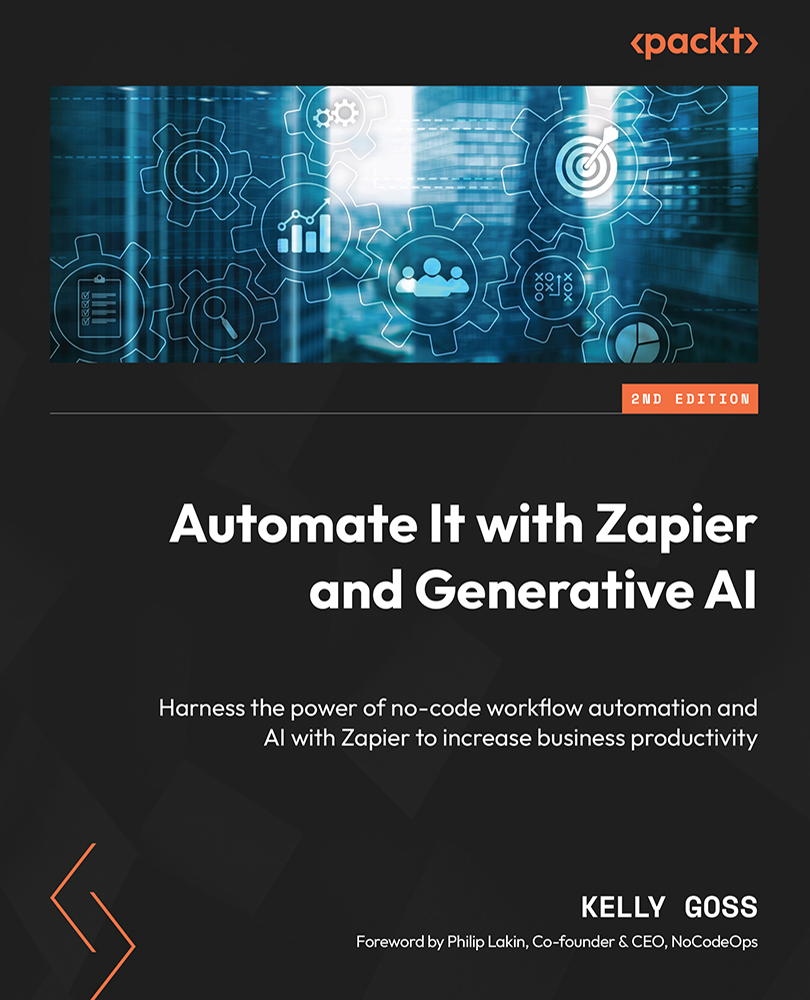
Automate It with Zapier and Generative AI
This is the practical selection for building a first reliable workflow between the cloud apps you already use. Goss moves from business-process mapping into triggers, actions, multi-step Zaps, filters, paths, formatting, webhooks, testing, account management, and generative-AI steps. It gives beginners enough context to understand what data is moving as well as where to click.
Why it belongs here
Zapier is useful when a form, spreadsheet, email platform, CRM, calendar, or project tool needs to pass information to another service. The book connects process thinking to concrete builds instead of presenting automation as a collection of disconnected recipes.
Know before reading
Zapier changes its editor, app integrations, AI features, task limits, and pricing plans over time. Some filters, paths, premium apps, and higher task volumes may require a paid plan, so verify current platform documentation while following the examples.
- Map the trigger, source data, conditions, actions, and expected result first.
- Test each step with representative data before switching the workflow on.
- Use filters and paths to prevent records from taking the wrong route.
- Keep human review around AI output that can affect customers or decisions.
of 07
Ebook and paperback editions available
Workflow Automation with Microsoft Power Automate
This is the ecosystem selection for automating work across Outlook, Teams, SharePoint, Forms, approvals, databases, and Windows desktop tasks. Guilmette covers cloud flows, desktop RPA, connectors, conditions, expressions, monitoring, troubleshooting, Copilot, AI Builder, governance, and enterprise deployment. The third edition is broad enough to support both a first flow and a more controlled team rollout.
Why it belongs here
Power Automate becomes especially valuable when the organization already lives in Microsoft 365. A beginner can start with an email, form, or approval workflow, then learn how environments, permissions, monitoring, and shared ownership keep automations reliable.
Know before reading
No-code does not mean no administration. Tenant settings, licensing, premium connectors, Dataverse access, desktop permissions, and data-loss-prevention policies can change what you are able to build. Expressions and complex integrations also move into low-code territory.
- Build cloud flows from clear triggers, connectors, conditions, and actions.
- Use approvals and Forms to keep people inside important decision points.
- Add error handling, run-history review, and ownership before scaling.
- Treat Copilot and AI Builder as assisted components, not unquestioned decisions.
of 07
Ebook, paperback, and hardcover editions available
No-Code AI
This is the specialist selection for readers who want to move beyond simple app-to-app rules and understand no-code machine learning. The authors introduce AI, data science, model training, evaluation, visualization, Azure Machine Learning, AWS SageMaker, Power BI, and QuickSight through a no-code lens. It helps a non-programmer see what an automated model is doing rather than treating AutoML as magic.
Why it belongs here
AI automation introduces uncertainty that ordinary trigger-and-action workflows do not. This book brings data quality, training, testing, metrics, overfitting, and interpretation into the learning path so a beginner can make more responsible experiments.
Know before reading
This is more technical and data-science-oriented than a day-one Zapier guide. Drag-and-drop tools do not remove the need to understand the data, choose meaningful evaluation criteria, check bias, and review failures before using a model in real decisions.
- Learn the difference between training, validation, testing, and prediction.
- Use clean, representative data before comparing no-code model results.
- Evaluate failure modes and metrics instead of trusting one accuracy number.
- Visualize and explain outputs before connecting them to an automated action.
of 07
Ebook and paperback editions available
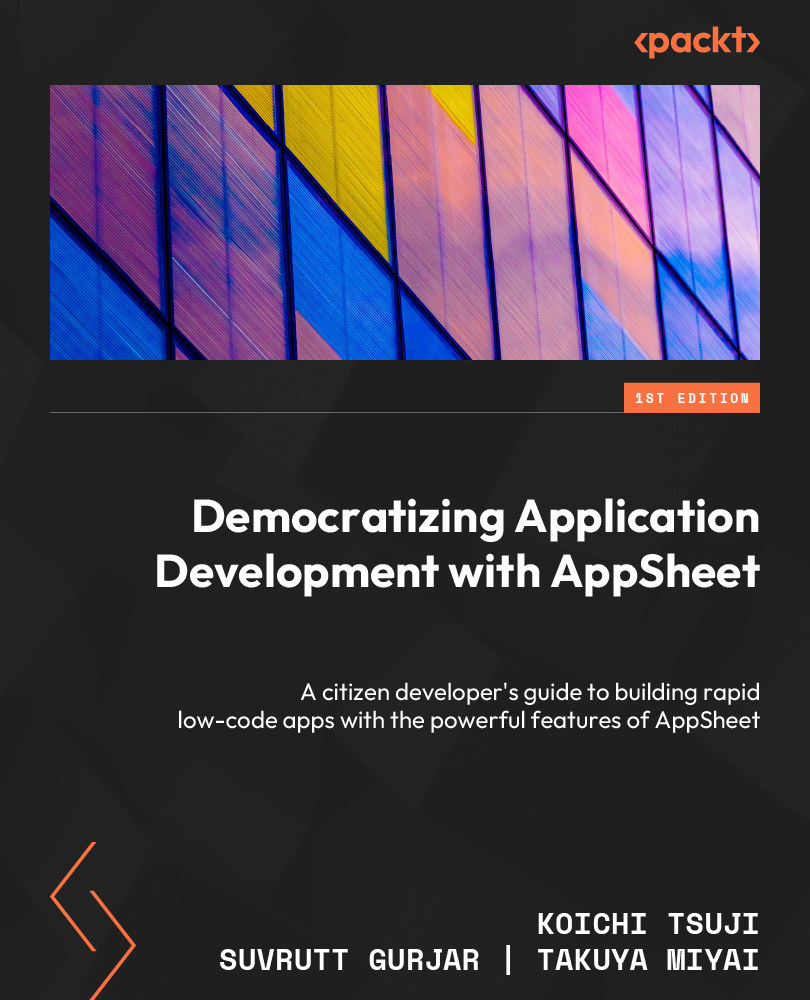
Democratizing Application Development with AppSheet
This is the operational-app selection for turning structured spreadsheet data into a usable tool with views, actions, roles, and automation bots. The book walks through the AppSheet development process from data sources and app structure to expressions, security, deployment, and workflow automation. It is especially relevant when a team has outgrown a shared sheet but does not need a custom-coded system.
Why it belongs here
Many useful automations need a simple interface for people to create, review, or update records. AppSheet combines that human-facing app layer with data-driven actions and bots, making it suitable for inspections, inventory, field work, approvals, and internal operations.
Know before reading
The platform is visual, but clean table design, stable keys, expressions, permissions, and user roles still require structured thinking. Google can also change features, plan limits, and editor details, so use the book for principles and verify current AppSheet documentation.
- Design tables, keys, relationships, and permissions before polishing views.
- Build actions around specific user jobs rather than every possible feature.
- Add automation bots only after the underlying data behavior is reliable.
- Test deployment with real user roles, devices, and incomplete data.
of 07
Ebook and paperback editions available
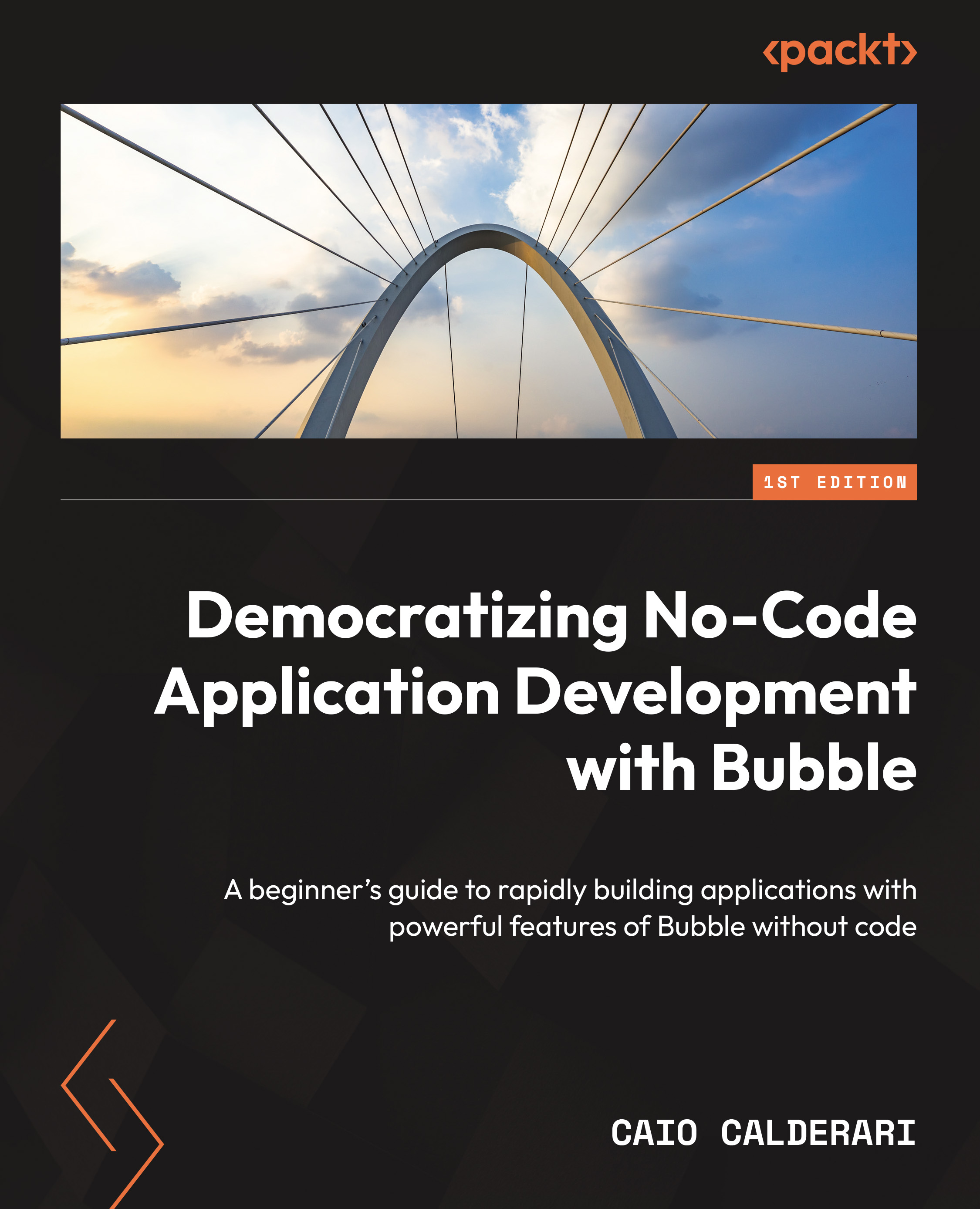
Democratizing No-Code Application Development with Bubble
This is the application-building selection for a workflow that needs its own interface, database, user accounts, and business logic. Calderari introduces Bubble's visual editor, responsive design, data types, workflows, privacy, APIs, plugins, testing, and deployment through a practical build. It is useful when connecting existing apps is no longer enough and the process needs a purpose-built portal or internal tool.
Why it belongs here
Bubble places the database, interface, and automation logic in one environment. That makes it possible to build booking tools, marketplaces, CRMs, client portals, and approval systems without writing a traditional application codebase.
Know before reading
This is closer to software development than simple task automation. You still need to reason about data modeling, privacy rules, performance, edge cases, and maintainability, and the resulting application is tied closely to Bubble's platform.
- Model data types, fields, and relationships before building screens.
- Define workflows with clear events, conditions, actions, and failure states.
- Apply privacy rules and authentication before handling real user data.
- Test responsive behavior, integrations, performance, and unusual inputs.
of 07
Ebook and softcover editions available
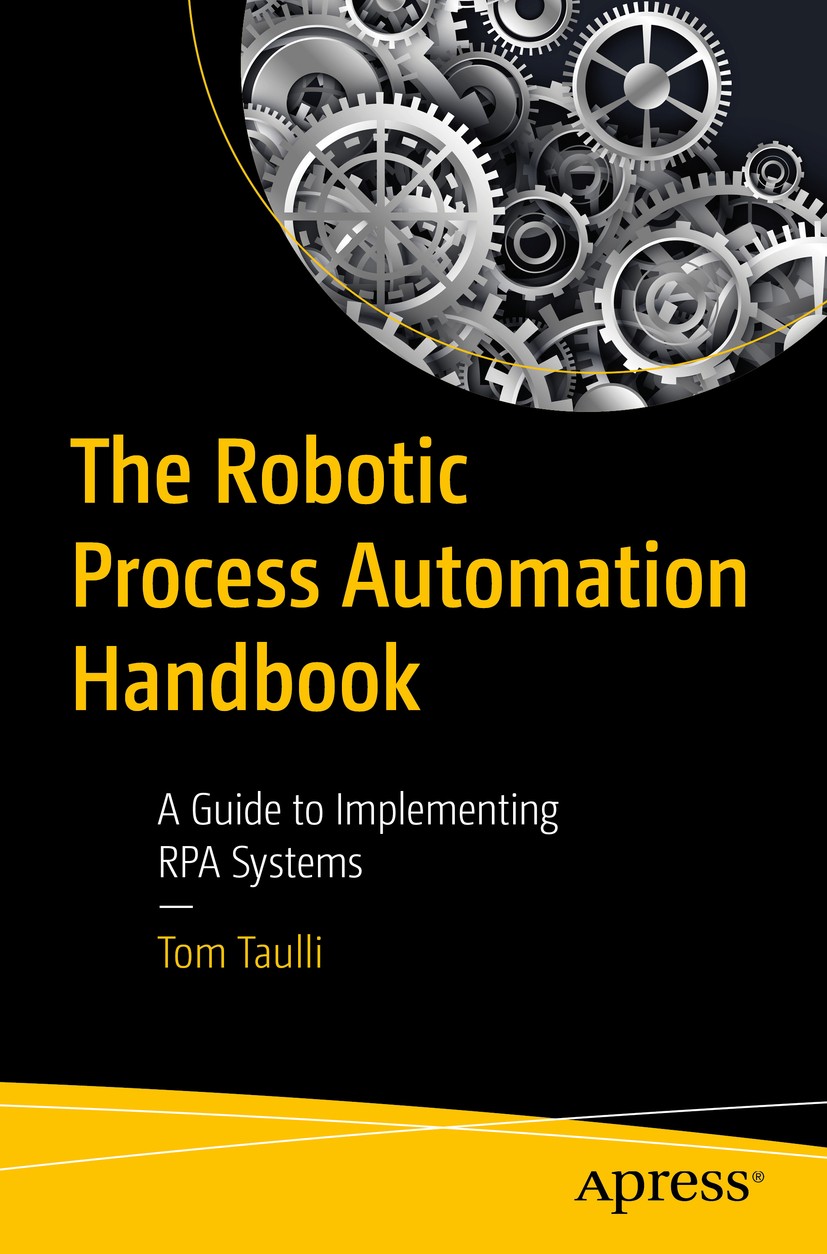
The Robotic Process Automation Handbook
This is the strategy selection for repetitive, rules-based work that still lives in older desktop applications, web screens, forms, and manual data transfer. Taulli explains process selection, planning, vendor evaluation, centers of excellence, bot development, deployment, monitoring, data preparation, process mining, risk, and organizational adoption. It shows why an RPA bot is an operational system—not a one-time recording.
Why it belongs here
RPA can bridge systems that do not offer clean APIs or modern connectors. The book helps a reader decide when screen-driven automation is justified, how to estimate value, and what governance is needed when a bot handles important work.
Know before reading
This is not a pure beginner drag-and-drop tutorial, and its 2020 vendor landscape has aged. Treat product-specific detail as historical context while keeping the durable lessons about process choice, exceptions, security, monitoring, and change control.
- Choose stable, repetitive, rules-based work with measurable volume and errors.
- Baseline time, cost, exception rates, and compliance before estimating ROI.
- Plan credentials, human exceptions, monitoring, and recovery from the start.
- Expect interface changes to break brittle bots and require controlled maintenance.
Choose the right first automation ebook
You do not need to read every book in order. Use these three common automation needs to choose a different entry point after reviewing the complete list.
Automate Your Busywork
Choose this when you need a process-first way to identify repeatable work, simplify it, and decide what deserves automation.
Automate It with Zapier and Generative AI
Choose this when forms, email, spreadsheets, CRMs, calendars, and other cloud apps need to exchange data without code.
Workflow Automation with Microsoft Power Automate
Choose this for Outlook, Teams, SharePoint, Forms, approvals, desktop RPA, monitoring, and organization-scale governance.
Interfaces, connectors, AI features, usage limits, and pricing plans change. Check current official documentation, use least-privilege access, test with non-sensitive data, document ownership and failure handling, and keep people inside decisions that can materially affect customers, money, rights, safety, or private information.
Why these seven ebooks
BeeVaults built a complementary learning path instead of repeating seven books about one tool. The sequence starts with process selection, adds two hands-on workflow platforms, then expands into no-code AI, spreadsheet-driven operations, custom web applications, and RPA for older systems.
Related BeeVaults entries
Continue from workflow automation into practical AI, digital-product systems, and a documented guide to Claude-based automation.
Before learning no-code automation
Which ebook should a complete beginner read first?
Start with Automate Your Busywork if you do not yet know what should be automated; it builds the process-first foundation. Choose Automate It with Zapier and Generative AI if you already have two cloud apps and want a practical first workflow.
Do no-code automation tools require any technical knowledge?
They remove most programming, but not logic. You still need to understand inputs, outputs, conditions, data types, permissions, testing, exceptions, security, and how to recognize a failed run. More complex workflows may also require formulas, expressions, webhooks, or API concepts.
Is Zapier or Power Automate better for a beginner?
Zapier is often the clearer starting point for connecting a wide mix of cloud apps. Power Automate is usually the stronger fit when work already centers on Microsoft 365, Teams, Outlook, SharePoint, Forms, Windows desktop tasks, or organization-managed approvals.
Can no-code automation be trusted with sensitive data?
Only after checking the platform, connector, account permissions, data location, retention, encryption, logs, vendor terms, and applicable organizational or legal requirements. Use least-privilege access, test with non-sensitive data, and keep human approval around high-impact actions.
Have a digital publication to document?
Create a BeeVaults listing for your e-book, manual, guide, report, or digital knowledge product.